BEGIN:VCALENDAR
VERSION:2.0
PRODID:-//ChamberMaster//Event Calendar 2.0//EN
METHOD:PUBLISH
X-PUBLISHED-TTL:P1H
REFRESH-INTERVAL:P1H
CALSCALE:GREGORIAN
BEGIN:VTIMEZONE
TZID:America/Edmonton
BEGIN:DAYLIGHT
RRULE:FREQ=YEARLY;BYMONTH=3;BYDAY=2SU
DTSTART:20070101T000000
TZOFFSETFROM:-0700
TZOFFSETTO:-0600
TZNAME:Mountain Daylight Time
END:DAYLIGHT
BEGIN:STANDARD
RRULE:FREQ=YEARLY;BYMONTH=11;BYDAY=1SU
DTSTART:20070101T000000
TZOFFSETFROM:-0600
TZOFFSETTO:-0700
TZNAME:Mountain Standard Time
END:STANDARD
END:VTIMEZONE
BEGIN:VEVENT
DTSTART;TZID=America/Edmonton:20270224T093000
DTEND;TZID=America/Edmonton:20270225T133000
X-MICROSOFT-CDO-ALLDAYEVENT:FALSE
SUMMARY:Bluebeam Revu AI: Smarter Project Workflows (February 24\, 2027)
DESCRIPTION:Description:Revu AI: Smarter Project Workflows is a next-generation training course designed to help construction professionals harness the full power of Bluebeam's AI-driven tools. Built around real-world estimating\, coordination\, and QA/QC workflows\, this course shows you how to move beyond manual markups and into intelligent automation.Participants will learn how to use AI Review\, AI Match\, MagicWand automation\, smart markup recognition\, and dynamic quantity extraction to save time\, reduce risk\, and increase accuracy across drawing sets.You'll also gain clarity on data security\, Canadian considerations\, and best practices for implementing AI-powered workflows responsibly inside your organization.\nIntended Audience:This course is built for:Estimators ready to accelerate digital takeoffsProject managers seeking faster drawing review and reportingCoordinators managing revisions and document controlField leaders integrating office-to-site workflowsConstruction professionals who have completed Revu Foundations for Construction and Revu Estimating: Build Accurate Takeoffs\nIf you're already using Revu and want to stay competitive as AI becomes embedded in construction software\, this is your next step.\nRecommended Computer Setup🖥️🖥️ You will need TWO screens for this training\; one with the software installed for your use\, the other for the online meeting to be displayed.\nSoftware RequirementsRequired:✅ Revu 21.9 (or newer) Core or Complete plan with a licensed or trial of Bluebeam MAX✅ A Claude AI account (free version will work) + Claude desktop app install on the same windows computer as Bluebeam Revu❌ (The Basic plan is not suitable for this course.)\nNot Compatible:❌ Any version older than Revu 21.9❌ Revu for Mac❌ Bluebeam Cloud / iPad versions\nIf you do not have an active license\, you can start a 14-day free trial here:https://www.curtek.ca/bluebeam-trialThis course is worth 2 Gold Seal Credits \nPresenter:Morgan Garry\, Bluebeam Certified Instructor with curtek.caMorgan is a Bluebeam Certified Instructor with over 10 years of construction experience\, including owning his own company and working for one of North America's largest general contractors. With a degree in Construction Management from BYU Idaho\, he teaches Bluebeam Revu in a practical\, no-nonsense way that helps teams save time and work more efficiently.
X-ALT-DESC;FMTTYPE=text/html: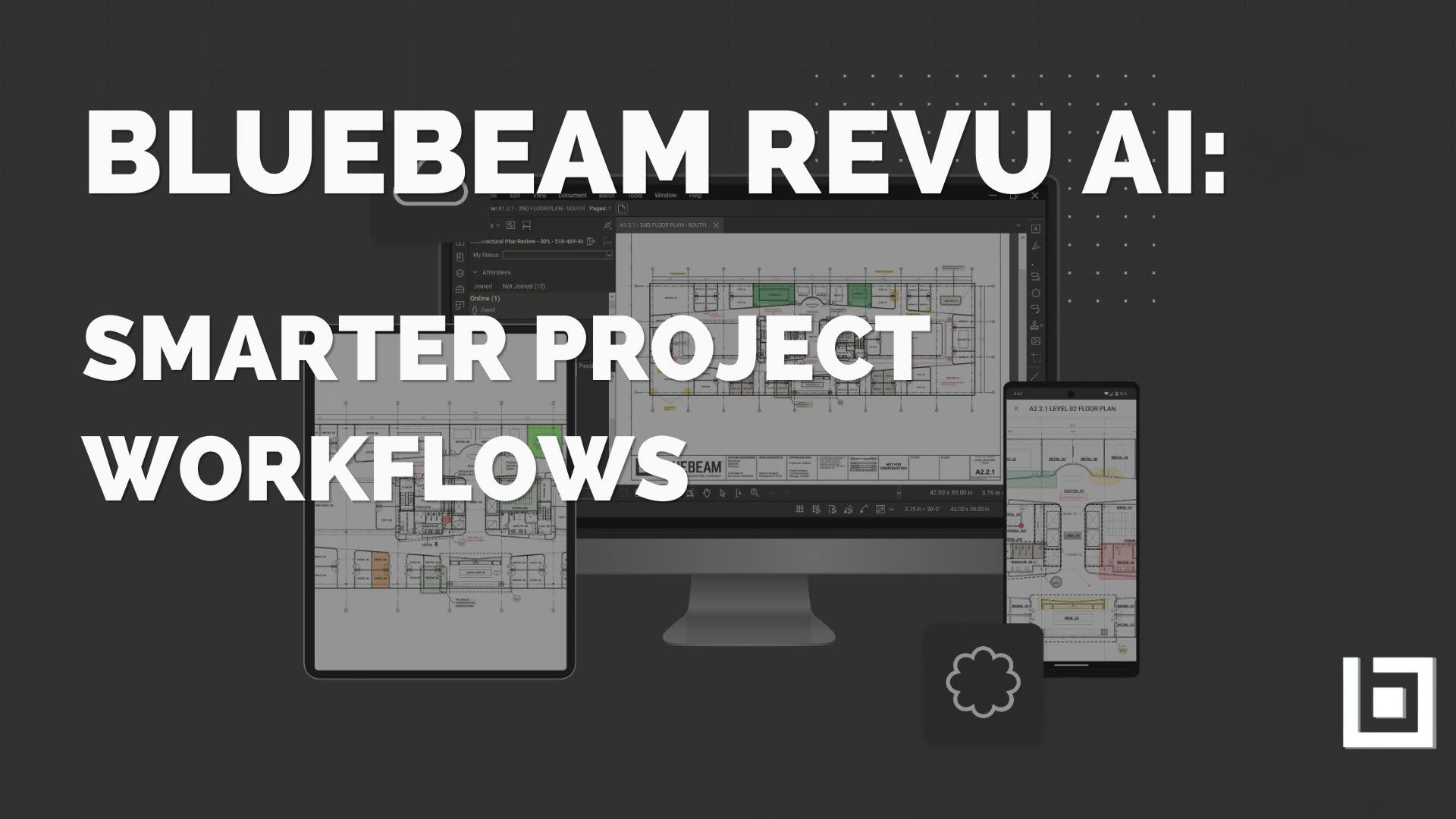
Description:
Revu AI: Smarter Project Workflows is a next-generation training course designed to help construction professionals harness the full power of Bluebeam&rsquo\;s AI-driven tools. Built around real-world estimating\, coordination\, and QA/QC workflows\, this course shows you how to move beyond manual markups and into intelligent automation.
Participants will learn how to use AI Review\, AI Match\, MagicWand automation\, smart markup recognition\, and dynamic quantity extraction to save time\, reduce risk\, and increase accuracy across drawing sets.
You&rsquo\;ll also gain clarity on data security\, Canadian considerations\, and best practices for implementing AI-powered workflows responsibly inside your organization.
Intended Audience:
This course is built for:
Estimators ready to accelerate digital takeoffs
Project managers seeking faster drawing review and reporting
Coordinators managing revisions and document control
Field leaders integrating office-to-site workflows
Construction professionals who have completed Revu Foundations for Construction and Revu Estimating: Build Accurate Takeoffs
If you&rsquo\;re already using Revu and want to stay competitive as AI becomes embedded in construction software\, this is your next step.
Recommended Computer Setup
🖥️🖥️ You will need TWO screens for this training\; one with the software installed for your use\, the other for the online meeting to be displayed.
Software Requirements
Required:
✅ Revu 21.9 (or newer) Core or Complete plan with a licensed or trial of Bluebeam MAX
✅ A Claude AI account (free version will work) + Claude desktop app install on the same windows computer as Bluebeam Revu
❌ (The Basic plan is not suitable for this course.)
Not Compatible:
❌ Any version older than Revu 21.9
❌ Revu for Mac
❌ Bluebeam Cloud / iPad versions
If you do not have an active license\, you can start a 14-day free trial here:
https://www.curtek.ca/bluebeam-trial
This course is worth 2 \;Gold Seal \;Credits \;
Presenter:
Morgan Garry\, Bluebeam Certified Instructor with curtek.ca
Morgan is a Bluebeam Certified Instructor with over 10 years of construction experience\, including owning his own company and working for one of North America&rsquo\;s largest general contractors. With a degree in Construction Management from BYU&ndash\;Idaho\, he teaches Bluebeam Revu in a practical\, no-nonsense way that helps teams save time and work more efficiently.

LOCATION:
UID:e.2559.1612559
SEQUENCE:3
DTSTAMP:20260827T131708Z
URL:https://members.edmca.com/education/Details/bluebeam-revu-ai-smarter-project-workflows-february-24-2027-1897690?sourceTypeId=Hub
END:VEVENT
END:VCALENDAR